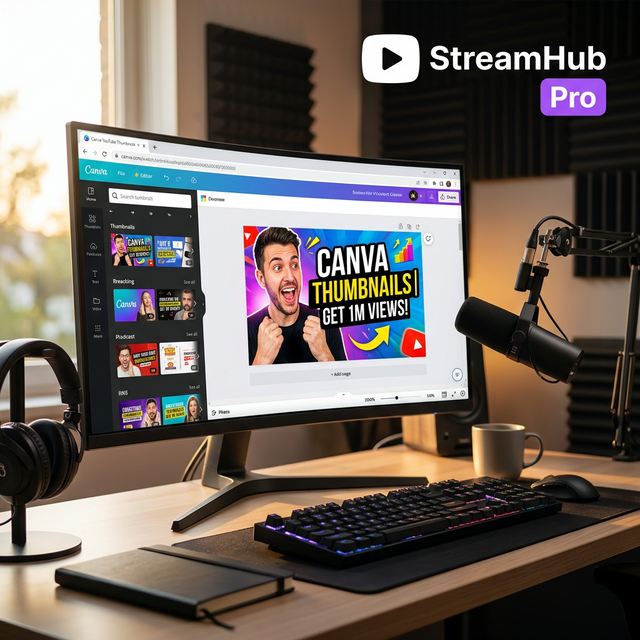
A YouTube thumbnail has one job: make the right viewer stop scrolling. Canva makes thumbnail design fast, but the best results still come from strong structure, simple messaging, and mobile readability.
Thumbnail fundamentals
Use a clear subject, high contrast, short text, and a visual promise that matches the video. Avoid tiny details because most viewers see thumbnails on phones.
- Use three to five words maximum.
- Keep faces and products large.
- Separate foreground from background.
- Test at small size before publishing.
Canva workflow
Start with a 1280x720 design, add your main image, remove the background if needed, place bold text on one side, then export as PNG or high-quality JPG.
Avoid clickbait damage
A thumbnail can be dramatic without being misleading. If viewers click and leave quickly, the video may perform worse even with a high CTR.