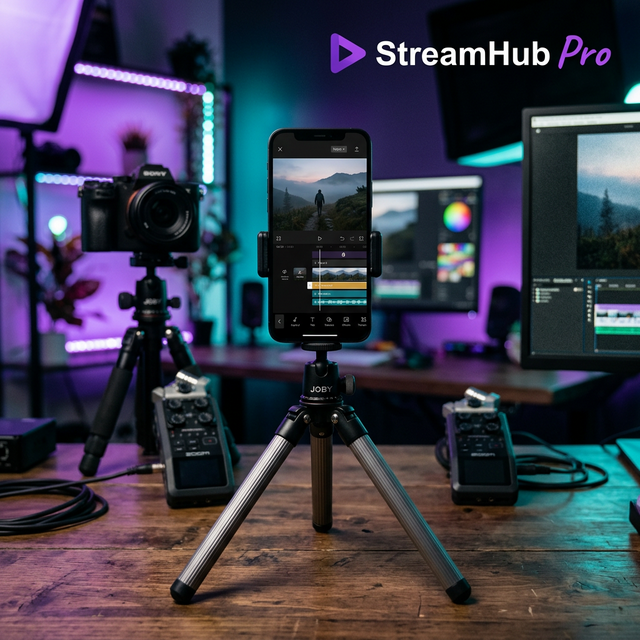
CapCut Pro gives creators faster tools for short-form video, but the real advantage comes from editing decisions that hold attention: faster hooks, clean captions, tighter cuts, and audio that supports every visual beat.
Start with the hook
The first two seconds decide whether people stay. Open with movement, a result, a question, or a direct visual payoff before explaining context.
- Cut pauses aggressively.
- Use captions with strong contrast.
- Zoom slightly on important words.
- Match transitions to beats, not random effects.
Use Pro tools with restraint
Background removal, auto captions, effects, and templates are useful, but overusing them can make the video feel generic. Keep the focus on clarity.
Export settings
For TikTok and Reels, export vertical 1080x1920, use high bitrate, and preview on a phone before posting.