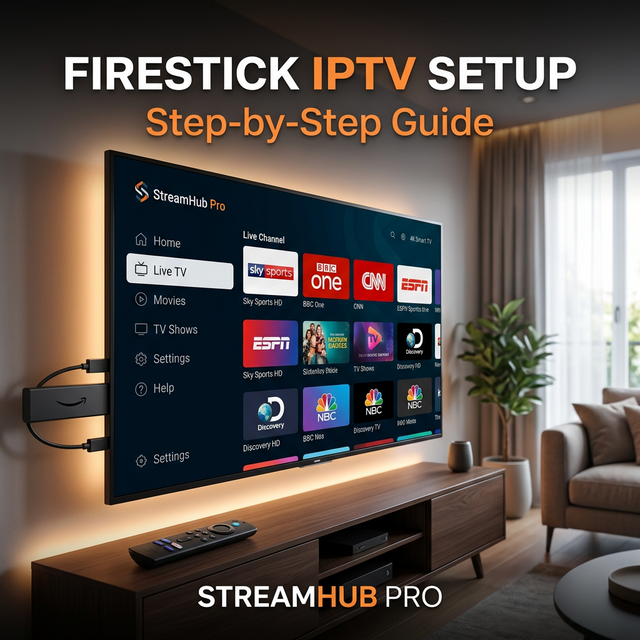
Amazon Firestick is one of the easiest ways to turn any TV into an IPTV-ready screen. It is portable, affordable, and works well with TiviMate, IPTV Smarters, XCIPTV, and VPN apps.
Basic setup
Install Downloader from the Amazon Appstore, allow trusted app installation when needed, then install your preferred IPTV player. Use Xtream Codes credentials from StreamHub Pro for the cleanest setup.
- Open the IPTV app.
- Choose Xtream Codes API.
- Enter server URL, username, and password.
- Wait for channels and VOD to sync.
Performance settings
Use the 5 GHz Wi-Fi band or Ethernet adapter for important matches. Clear app cache if categories stop loading or if the EPG becomes outdated.
Best apps
TiviMate is best for daily TV use on Firestick. IPTV Smarters is easier for beginners and supports many layouts.