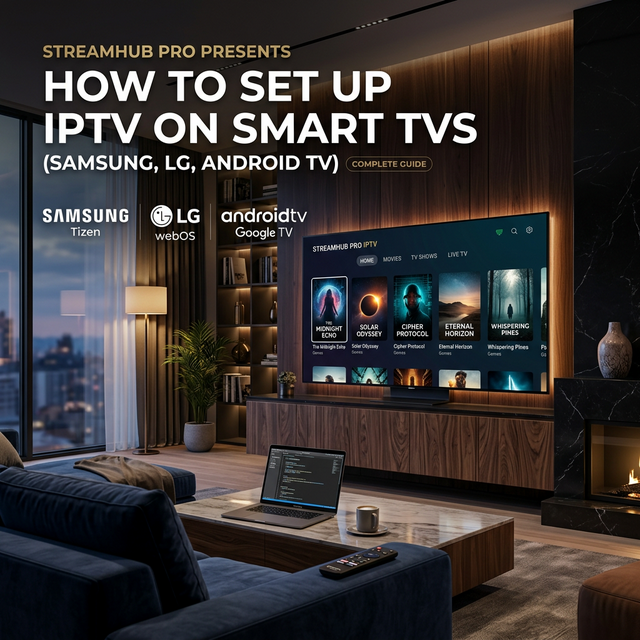
Samsung and LG Smart TVs can run IPTV directly without an external box, especially with apps like IBO Player, Bob Player, Nanomid, Smart IPTV, or IPTV Smarters where available.
Basic workflow
Install an IPTV player from the TV app store, open it to get the MAC address or device key, then upload your playlist through the app portal or enter Xtream Codes inside the app.
- IBO Player is fast and popular.
- IPTV Smarters is simple when available.
- Nanomid is a modern alternative.
- Use Ethernet for stable sports streams.
Common issues
If the playlist does not load, check the MAC address, app activation status, internet connection, and whether your TV model is still supported.
When to use a box
If your TV is old, slow, or missing the apps you need, a Firestick or Android TV box will usually give a better IPTV experience.