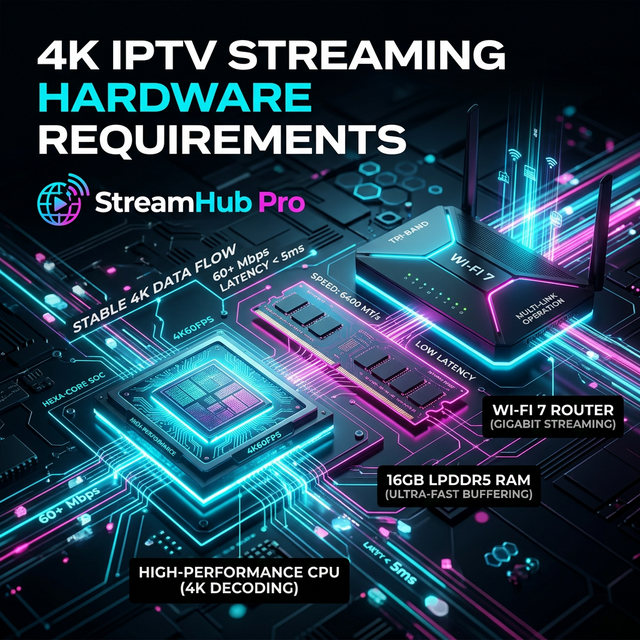
A speed test result alone does not tell the full IPTV story. Live streaming needs stable throughput, low packet loss, reasonable ping, and low jitter. A connection can show 100 Mbps and still buffer if packets arrive unevenly.
What to measure
Check download speed, ping, jitter, packet loss, and whether results change during peak hours. Test on the same device you use for IPTV, not only on a phone near the router.
- 15 Mbps for HD.
- 25-35 Mbps for 4K.
- Ping under 50 ms is ideal.
- Packet loss should be 0%.
Compare scenarios
Test Wi-Fi, Ethernet, mobile hotspot, and VPN. This reveals whether the issue is local Wi-Fi, ISP routing, throttling, or the device itself.
Use results wisely
If Ethernet fixes the issue, improve your network. If VPN fixes it, your ISP may be throttling. If only one app fails, change player settings or clear cache.